Error codes
Purpose: Understand the decline codes you see, why the same decline can come back as a different number, and the codes that show up when you increment a virtual-wallet authorization.
When to use this: A payment came back declined with a numeric code and you want to know what it means and what to do next.
One platform, several processors
Vitabyte works across more than one card processor (a payment-facilitator, or payfac, model), for example WorldPay and TSYS. The processor behind a given transaction decides the exact code it returns, so the same underlying decline can come back as a different number depending on which processor handled it. The device shows which processor it's on in Device Settings.
Because of that, the codes are not always a clean one-to-one between processors. They follow a pattern rather than a fixed formula, and the app maps the common ones back to the same plain meaning.
The three-digit to two-digit pattern
Some processors (WorldPay) return a three-digit code, where a two-digit code carries the meaning the app normalizes to:
| You may see | Maps to | Means |
|---|---|---|
| 605 | 05 | Do not honor, a bank decline |
| 651 | 51 | Insufficient funds |
| 714 | 15 | No such issuer |
| 756 | 54 | Expired card |
So a 605 is an 05: the bank declined the sale. That can be for more than one reason, from incorrect incremental behavior on a running authorization to a plain bank do not honor. A 651 is a 51: the card doesn't have the funds.
The exact pairing depends on the processor, so not every three-digit code has a clean two-digit twin. When you hit one that isn't in the table, read the on-screen message, treat it as a decline, and use Upload Logs Now so support can confirm it.
Declines when incrementing a virtual wallet
662, 783, and 702 are declines that have shown up specifically when incrementing a virtual-wallet authorization (a tapped mobile wallet) on Mastercard, Discover, and Amex. Visa virtual wallets do work when incrementing.
Each card brand surfaces it as a different message and number:
| Card brand | On-screen message | Code |
|---|---|---|
| Mastercard | PSP: TRANS DENIED | 662 |
| Discover | PSP: AUTH DECLINED | 783 |
| Amex | PSP: DECLINED | 702 |
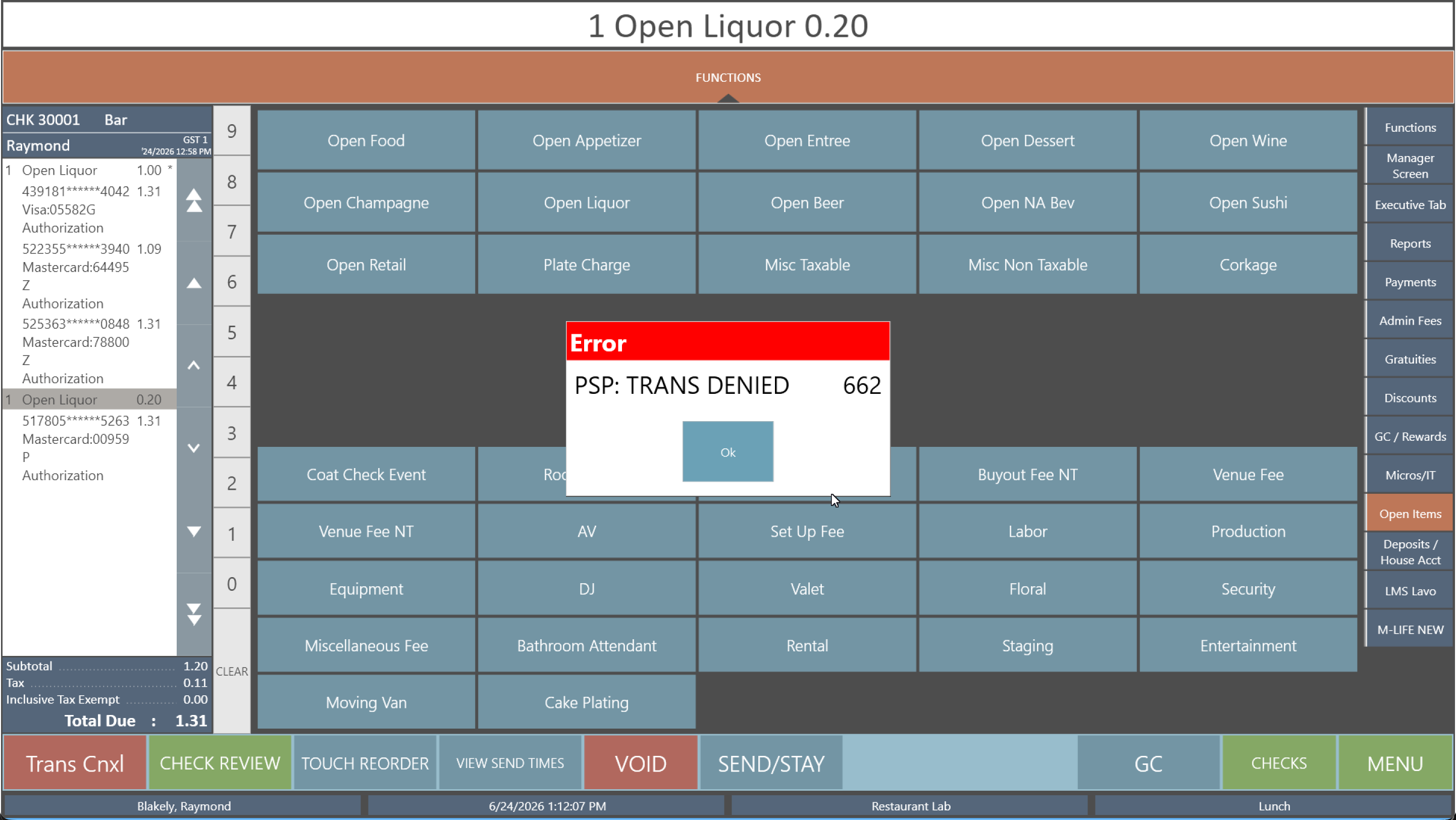 Mastercard: PSP: TRANS DENIED 662 when incrementing a tapped wallet.
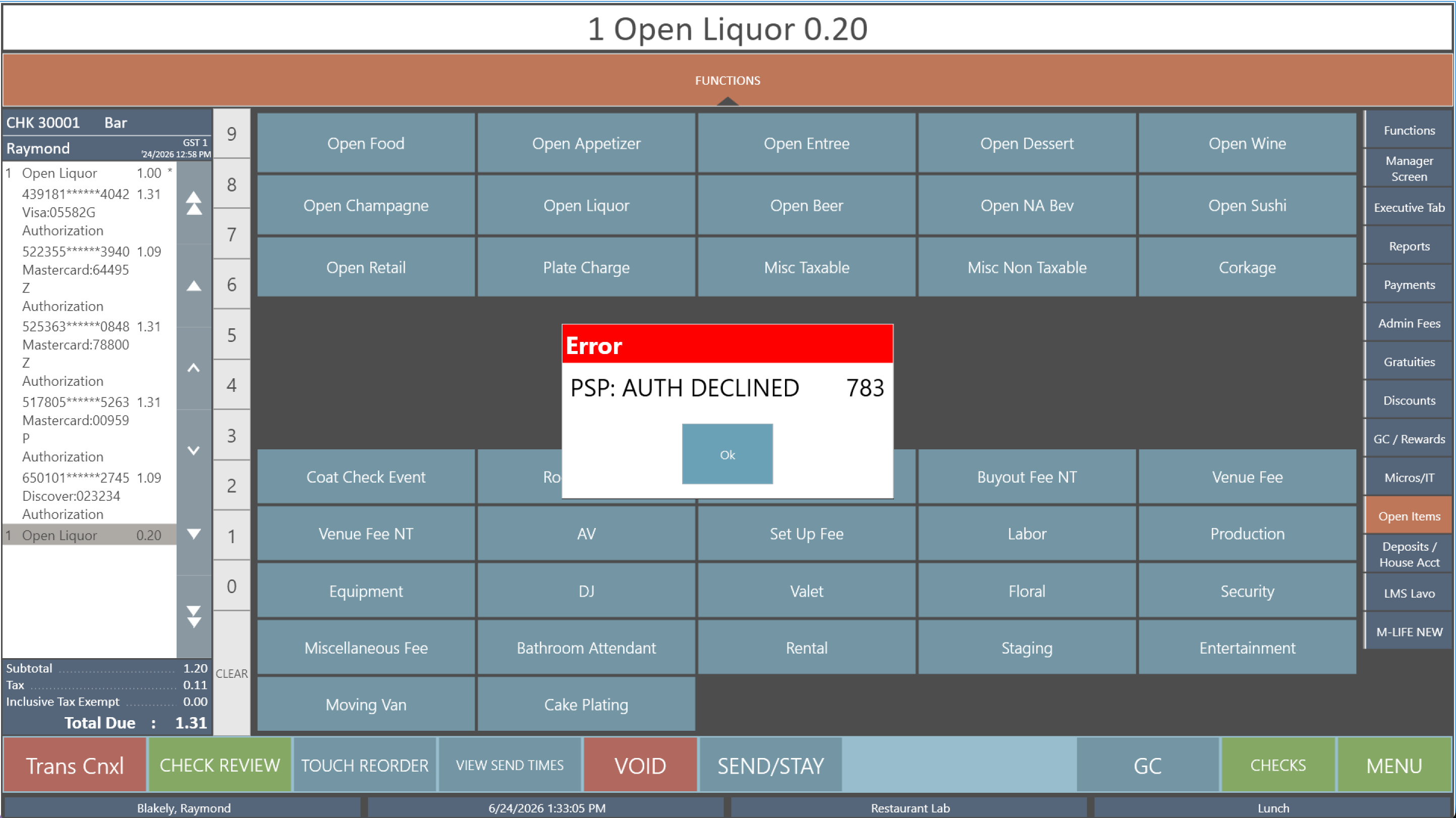 Discover: PSP: AUTH DECLINED 783 when incrementing a tapped wallet.
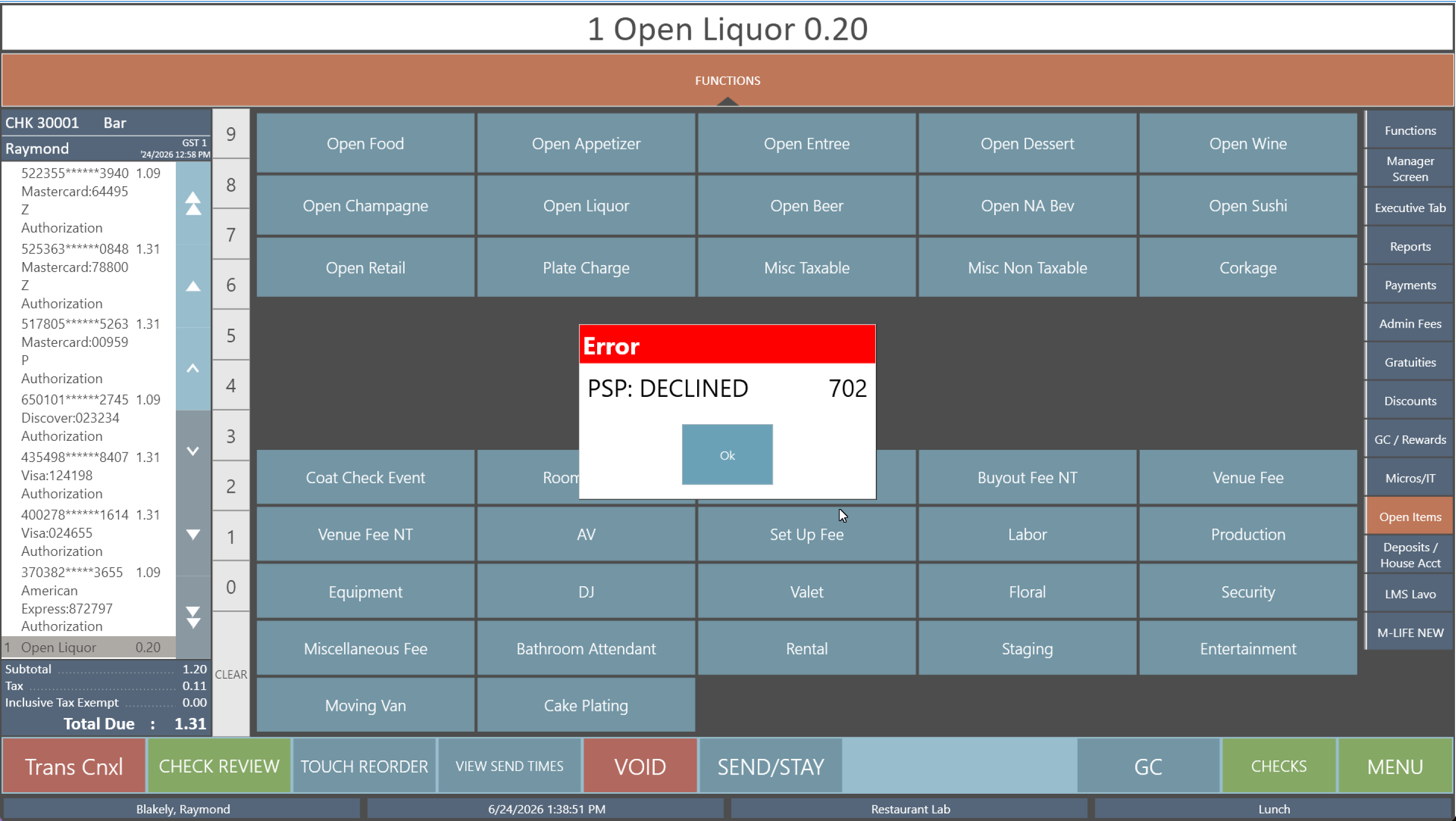 Amex: PSP: DECLINED 702 when incrementing a tapped wallet.
The takeaway is operational, not about the exact number:
- Use a virtual wallet (tap) for final sales, where the amount won't change after it's authorized.
- For anything expected to increment or decrement, a bar tab, a preauth you'll top up, an amount you'll adjust, have the customer insert a physical card. A card insert is the reliable path for any transaction that will change after the first authorization.
This is the same class of problem as topping up a running tab. See Workstation · Declined while adding to a running tab.
The full table
The complete decline-code list, with the WorldPay and TSYS notes, lives on the common-errors pages:
- Workstation · Decline-code reference
- Handheld · Decline-code reference
- Manager quick reference (the everyday ones)