Device Settings reference
Purpose: A grouped list of every control on the handheld's Device Settings panel, so you know what each one does.
When to use this: When you need to find a specific control, or want to understand the panel as a whole. Open it with the unlock gesture.
At the top, the panel shows the bound Workstation, the Device id, the IP address, and the CAPS address.
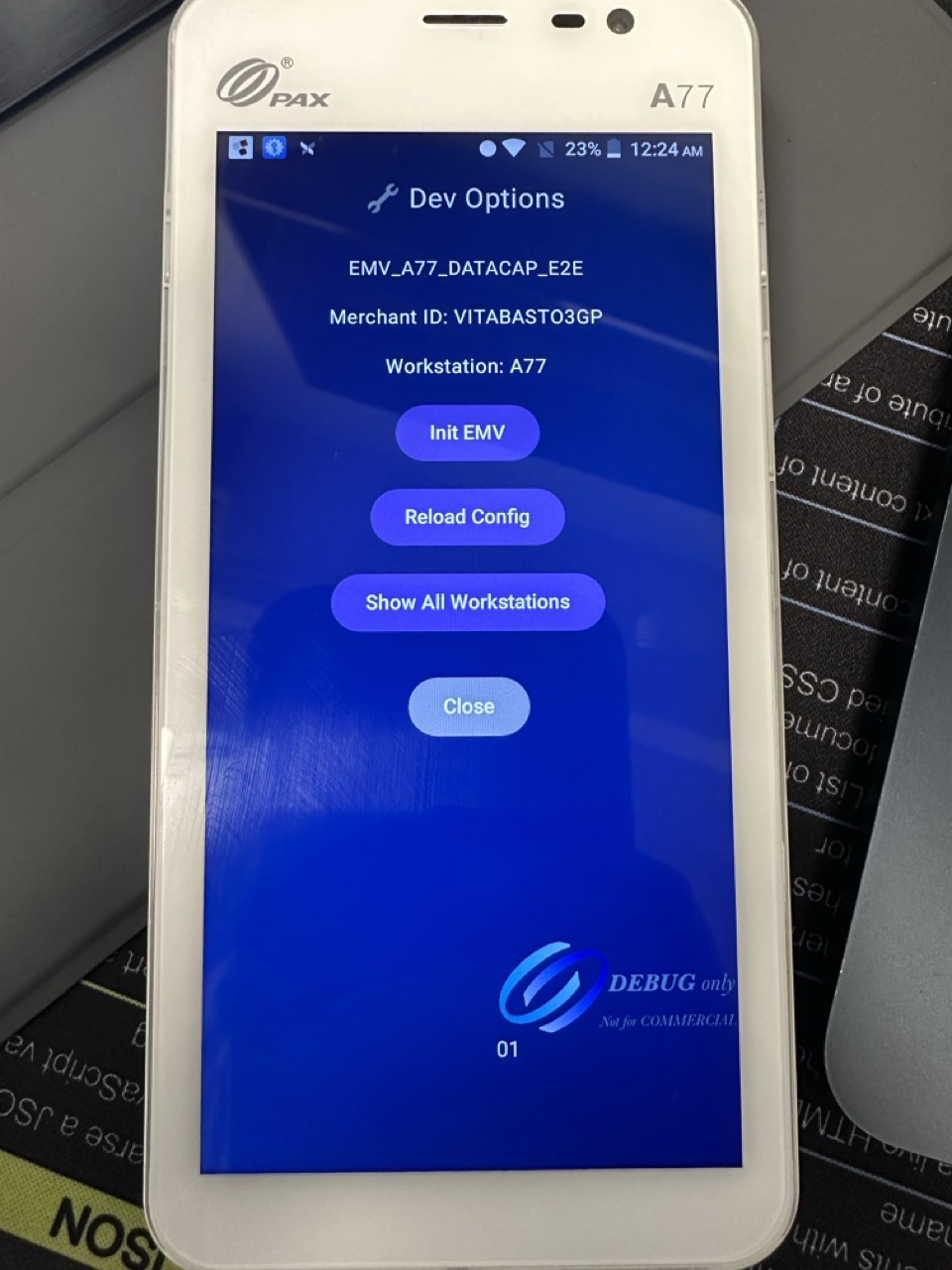 The Device Settings panel, controls are grouped by purpose.
Quick actions
- Init EMV: re-initialize the reader.
- Reload: pull the latest config for the bound workstation.
Payment Mode
- Solo: standalone amount entry.
- Tips ON / OFF: turn the tip prompt on or off.
- Checks: pay-at-table; reveals Checks RVC #, My Checks Only, and Checks Revenue Centers (in order).
- Order&Pay ON / OFF plus RVC: Order & Pay.
Orientation
- Rotate: ON / OFF
- Landscape: ON / OFF
Check Streaming
- Streaming: ON / OFF, with Dark Theme / Light Theme: see Check Streaming.
Payment Options
- Gift Card: ON / OFF: enables the gift-card flows.
- PIN Debit: ON / OFF: allows PIN debit.
Mobile Redirect
- Redirect: ON / OFF, with the Target IP / IP:PORT / URL field and Save: see Mobile Terminal mode.
Default Tip Selection
- 1st, 2nd, 3rd, None: which preset is highlighted by default.
Configuration
- Switch Workstation: bind to a different workstation.
- Processor toggle: shows TSYS or WORLDPAY (the card processor in use).
- Edit API URL: the service address (support-directed).
Response Timeout
- Seconds + Save: how long the device waits for the reader before timing out.
Self-Checkout Kiosk Mode
- Kiosk Mode: ON / OFF, RVC #, Table #, Exit PIN, Start: see Self-Checkout / Kiosk.
Device Snapshot & maintenance
- Upload Device Snapshot: send the device's current state to support.
- Clear Unsent / Clear All Tables: destructive; only use when support directs you. Each asks to confirm and cannot be undone.
DSI actions
- DSI Version: shows the reader-middleware version.
- EMV Pad Reset: reset the reader pad.
Offline / Store and Forward
- SAF Stats / Upload SAF: check and push offline transactions (see Push offline transactions).
Footer
- Close: leave the panel.
- Logout: sign out.